JJazzLab 5.2.1 (April 13, 2026)
New features 5.2.1
-
“Freeze bug” fixed
Not a new feature, but the fix was the opportunity to improve JJazzLab internal design for better stability. -
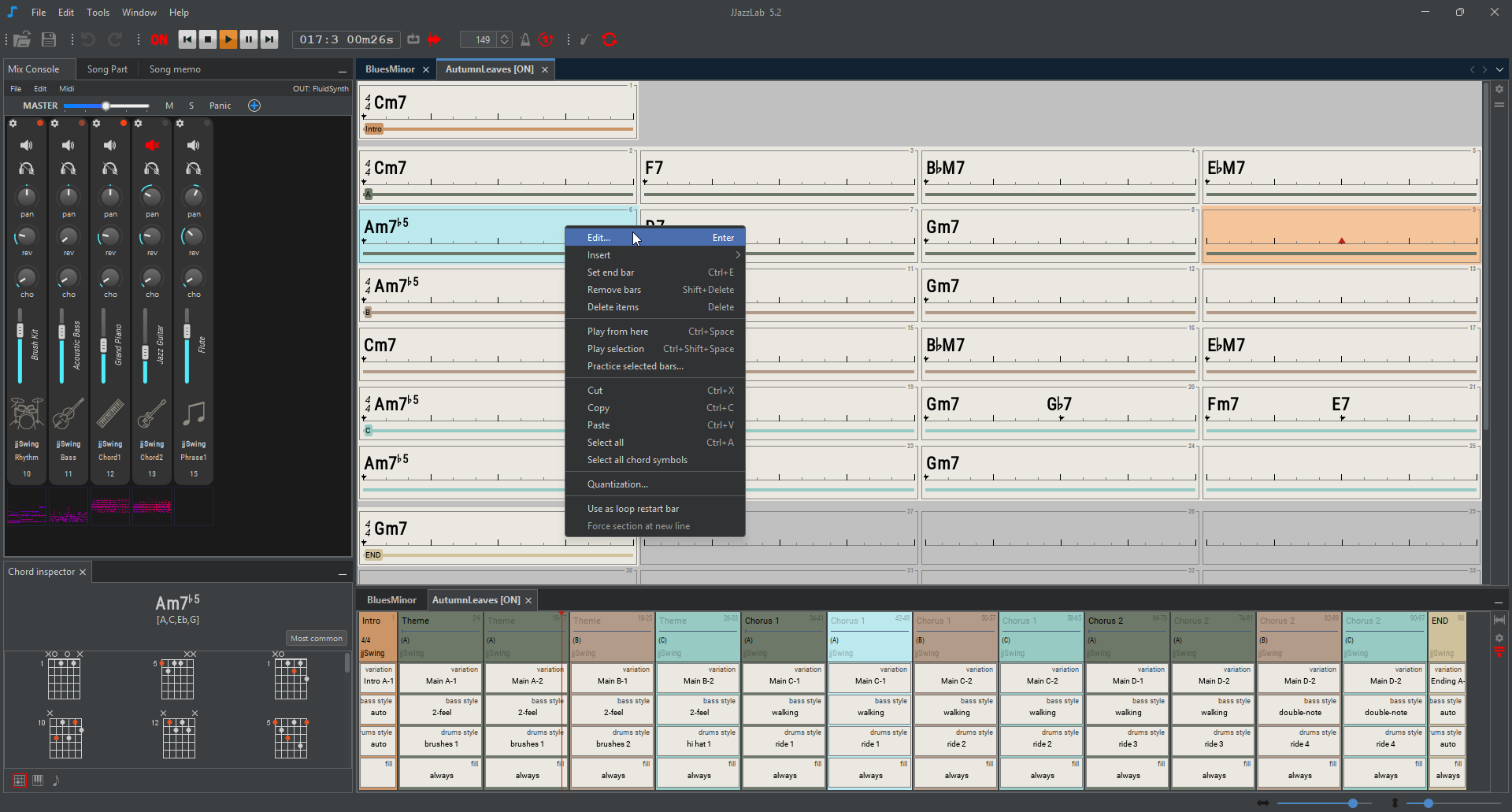
Define a restart bar when playback is in loop mode
Useful for simple practice songs for which you dont want to bother creating a song structure. -
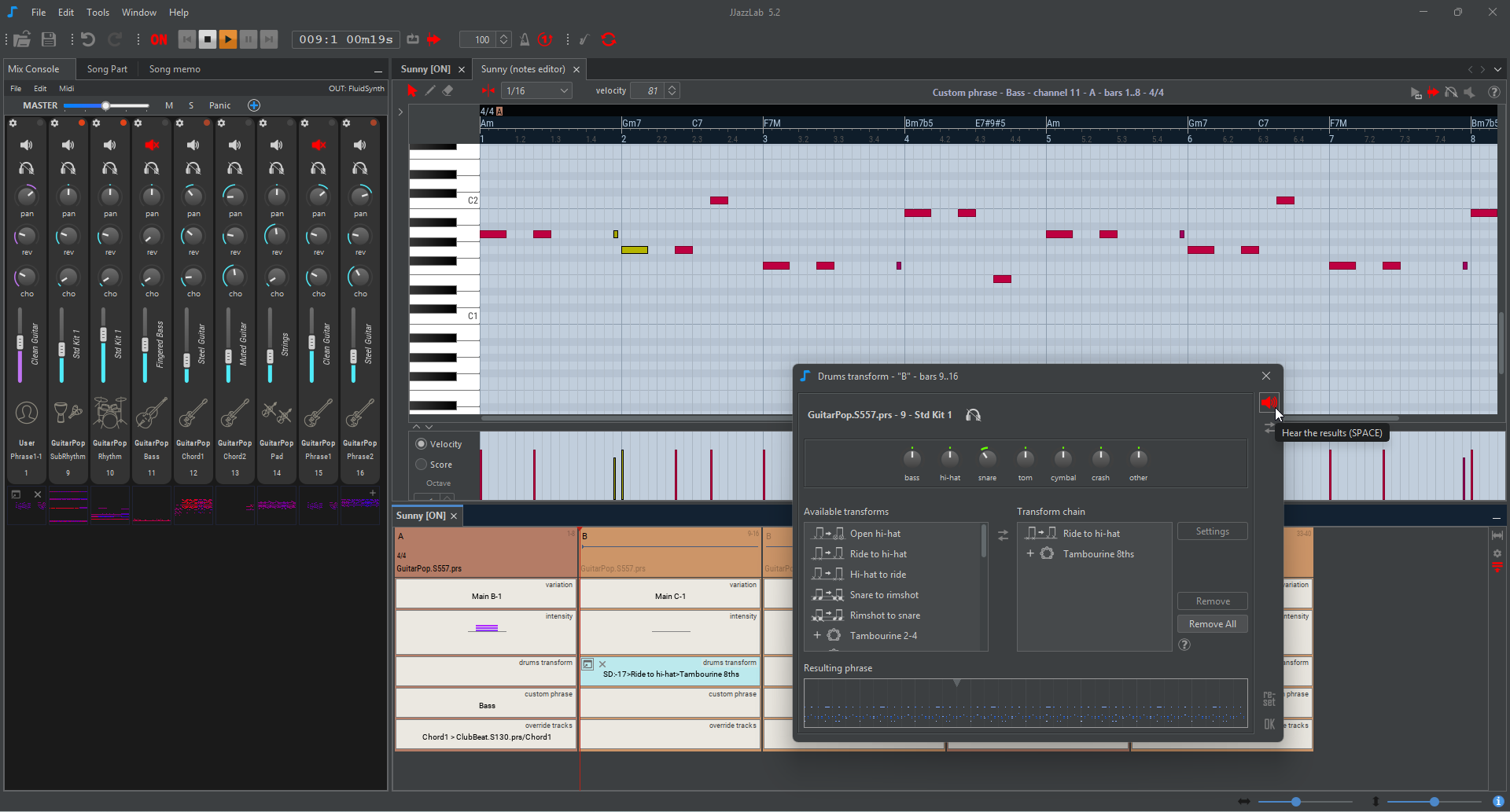
User interface improvements
In lead sheet editor, song structure editor, mix console. -
Adjust FluidSynth audio driver [linux]
This should help solve linux-specific audio configuration issues. -
New MIDI remote commands : play selection, toggle loop mode, change style variation
For example this lets you command a style variation change while playing in arranger-mode. -
Many bugs fixes as usual
🠊 check out the 5.2.1 RELEASE NOTES for the complete list of changes with screenshots.
Download
If you run into any installation issues, see the detailed installation instructions in the online documentation.
Windows
Download and run: JJazzLab-5.2.1-Win64-Setup.exe
If you get a Windows security popup when running the installer, this is normal: the installer was not “code-signed” with a developer certificate.
Why? This would cost me about $100/year. JJazzLab is 100% free with no ads, I just can’t.
JJazzLab is NOT malware! You can verify the download using the SHA256 checksum key available here.
So to run the installer, just choose Run anyway in the security popup.
Mac
You must first install FluidSynth yourself (version >= 2.2.0, I recommend via homebrew).
Then download and install:
-
JJazzLab-5.2.1-mac-aarch64.pkg for computers with Mx processor
-
JJazzLab-5.2.1-mac-x64.zip for older computers with x64 processor
Extract and run file bin/jjazzlab to start JJazzLab.
Consult the installation instructions for MacOS for more details.
If MacOs prevents you from opening the .pkg file for security reason, this is normal: the .pkg file was not “notarized” via the Apple process.
Why? Notarization would require me to pay $100/year to Apple and to buy a MacBook. JJazzLab is 100% free with no ads, I just can’t.
JJazzLab is NOT malware! You can verify the download using the SHA-256 checksum available here.
To open the .pkg file anyway, go to Systems settings/Privacy & Security, scroll-down to the Open anyway button, as explained in this Apple online doc.
Linux Ubuntu/Debian family (x64)
Download the .deb file and install it as shown below.
sudo apt-get install ./jjazzlab_5.2.1-1_amd64.deb # this will also download and install fluidsynth (>=2.2.0) if requiredIf FluidSynth makes some “crackling” noise, make sure your Linux is optimized for audio applications.
Linux OpenSUSE family (x64)
Download the .rpm file and install it as shown below.
sudo zypper install ./jjazzlab-5.2.1-0.x86_64.rpm # this will also download and install fluidsynth (>=2.2.0) if requiredIf FluidSynth makes some “crackling” noise, make sure your Linux is optimized for audio applications.
Linux others (x64)
You must first install FluidSynth (>=2.2.0) yourself.
Then download and extract the tar.xz file as shown below.
JJazzLab-5.2.1-linux-x64.tar.xz
tar -xf JJazzLab-5.2.1-linux-x64.tar.xzRun file bin/jjazzlab to start JJazzLab.
If FluidSynth makes some “crackling” noise, make sure your Linux is optimized for audio applications.
Older versions
Older versions from 4.0.2 can be found in the JJazzLab releases page on GitHub (see Assets).
Free and open-source software
Contribute to the code on GitHub.
If you’re not a developer, you still can help:
- DONATE!
- improve the online documentation
- participate in the JJazzLab forum
Acknowledgements
Let us be grateful to the people and projects that are or were a part of JJazzLab, or those who had contributed to it in some way.
- Apache Netbeans: For the powerful IDE and modular application framework.
- FluidSynth: for the SoundFont synth
- XStream: for the XML serialization
- JFugue: for the Midi file parsing
- Peter Wierzba, Michael P. Bedesem, Jørgen Sørensen/jososoft: for the precious information about the Yamaha style file format
- InnoSetup: for the Windows installer
- John Nebauer: for the SGM-v2.01-NicePianosGuitarsBass SoundFont which served as a basis for the JJazzLab SoundFont.
- Matt Finley: for the help on the Band-In-A-Box import feature
- The JJazzLab translations top contributors
- Freepik: for some svg graphics
- My family: for the too many evenings and week-ends spent on this project